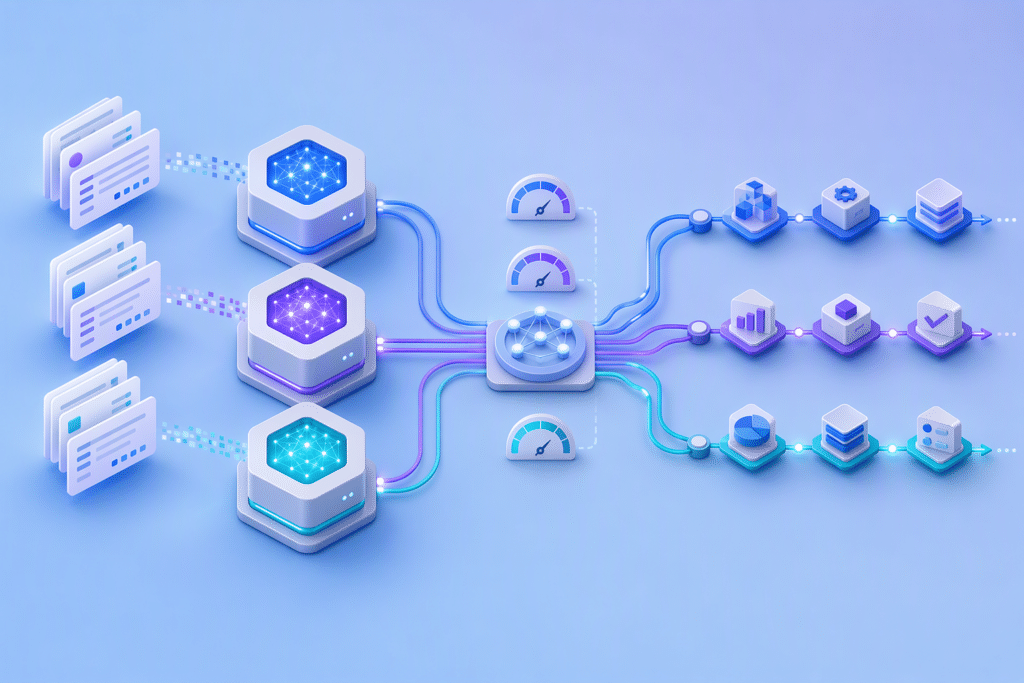

OpenAI dots represent a shift from AI that waits for individual prompts to agents that can pursue goals continuously. Announced on September 29, 2026, dots are always-on agents powered by GPT-6 Astra, equipped with their own cloud computers and designed to learn from feedback over time.[1]
For business leaders, the important development is not simply a more capable chatbot. It is an operating model in which AI can maintain context, monitor connected systems, advance several projects and bring completed work back for human review.
What OpenAI dots can do
A dot can use its own browser and cloud computer, connect to more than 4,000 apps through plugins and work toward goals around the clock.[1] Users can assign additional tasks without creating separate conversation threads or directing every intermediate step.[1]
Dots are available through ChatGPT and can also communicate in Slack and Microsoft Teams. They carry context between supported channels, while voice calls provide another way to discuss ideas or give feedback.[1]
This persistent context is central to the product. As users provide direction and review results, a dot can learn their preferences, priorities and standards for acceptable work.[1] The intended outcome is an agent that delivers work in a form closer to what its user would have produced.
Where always-on agents could create value
OpenAI describes dots handling multi-stage workflows rather than isolated requests. Its examples include turning recurring customer feedback into tested software fixes, revising launch materials when product scope changes and updating research analyses as new evidence arrives.[1]
Other scenarios include maintaining an enterprise sales proposal as requirements evolve and converting interview transcripts into clips, show notes and draft social posts.[1] Inside OpenAI, dots have been tested on activities including procurement, invoice processing, email marketing, customer support and commercial contracting.[1]
These examples suggest several practical criteria for selecting an initial business use case:
- A workflow has a clear objective and recognizable completion standard.
- The work depends on information distributed across multiple approved systems.
- Conditions change frequently enough to justify continuous monitoring.
- Human reviewers can define which decisions require approval.
- Progress and outputs can be inspected before consequential action is taken.
Control remains a business requirement
Always-on operation does not mean unrestricted autonomy. Each dot runs on a separate cloud computer unless a user explicitly permits it to connect to another device. Users choose accessible apps and manage permissions through existing ChatGPT controls.[1]
During background “proactive research,” connected tools are restricted to read-only access, preventing the dot from sending messages, changing app content or controlling a browser or computer.[1] Custom Rules can permit actions, require approval or block them, while Activity View lets users monitor and redirect work.[1]
OpenAI also says auto-review checks actions that could affect accounts or expose information. Some sensitive actions, including password changes, must remain with the user.[1] The company explicitly cautions that dots can make mistakes and recommends reviewing consequential work.[1]
For organizational adoption, this makes governance part of workflow design. Leaders should define data access, approval thresholds, escalation paths and accountable reviewers before delegating significant responsibilities.
Availability and enterprise direction
OpenAI began rolling out dots to Pro and Business Premium users in eligible markets, with Enterprise users, including Edu and Healthcare workspaces, able to try a beta after administrator enablement.[1] The first dot is included with Pro or Business Premium at no additional cost, although deeper work is subject to an allowance.[1]
OpenAI is also piloting specialist dots with distinct organizational identities, credentials and system access. It is working with Microsoft toward managing these agents through Agent 365 governance and security controls.[1]
Conclusion: start with a bounded workflow
OpenAI dots move AI closer to a persistent operational collaborator. Businesses should begin with one bounded, measurable workflow, grant only the access it requires and keep consequential decisions under explicit human review. The next step is to identify a recurring process where continuous context and supervised execution can remove coordination work without weakening accountability.
Sources

Written by
Ganesh Babu Vasantha RajanContent Writer
Ganesh Babu Vasantha Rajan is a contributor at AgilizTech....
View all articles